Pick your photos.The layout is done.
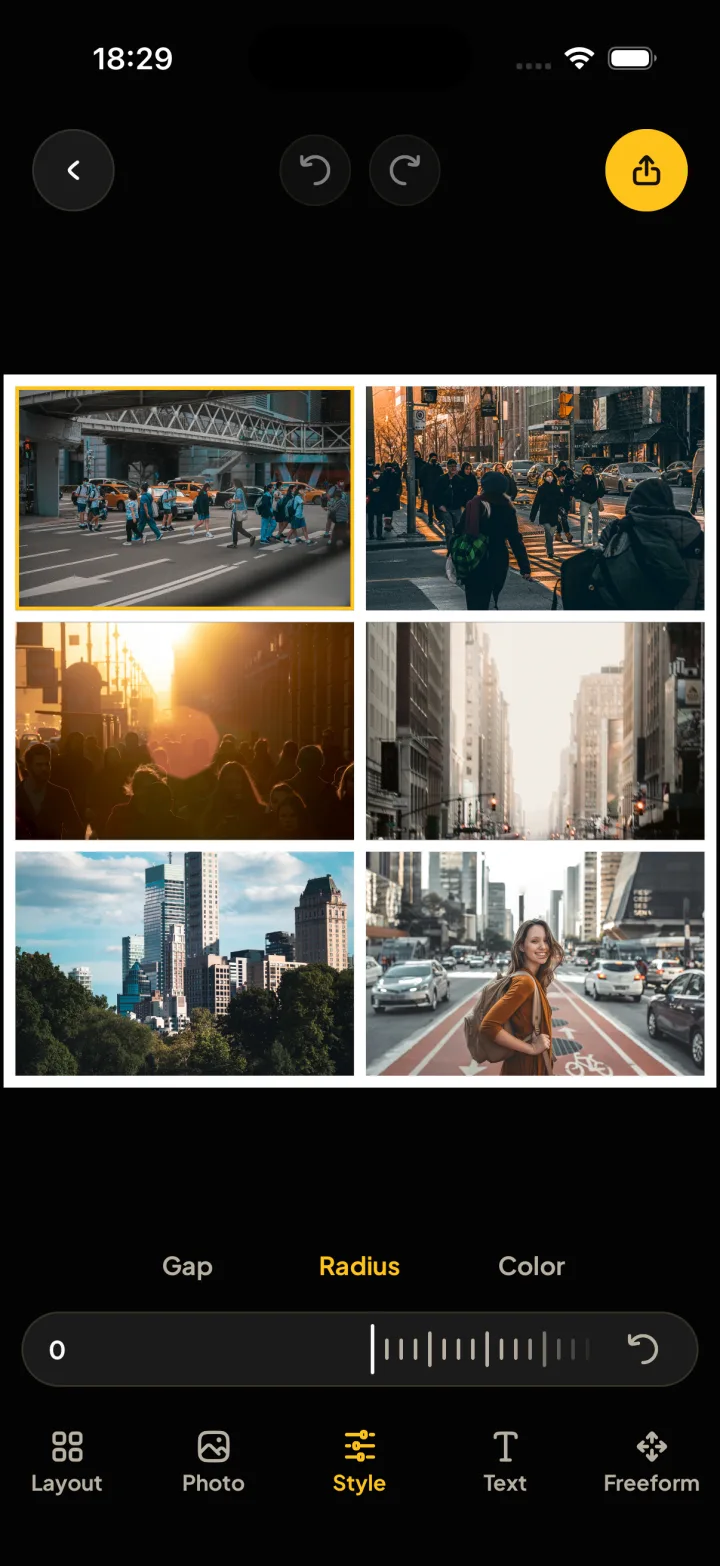
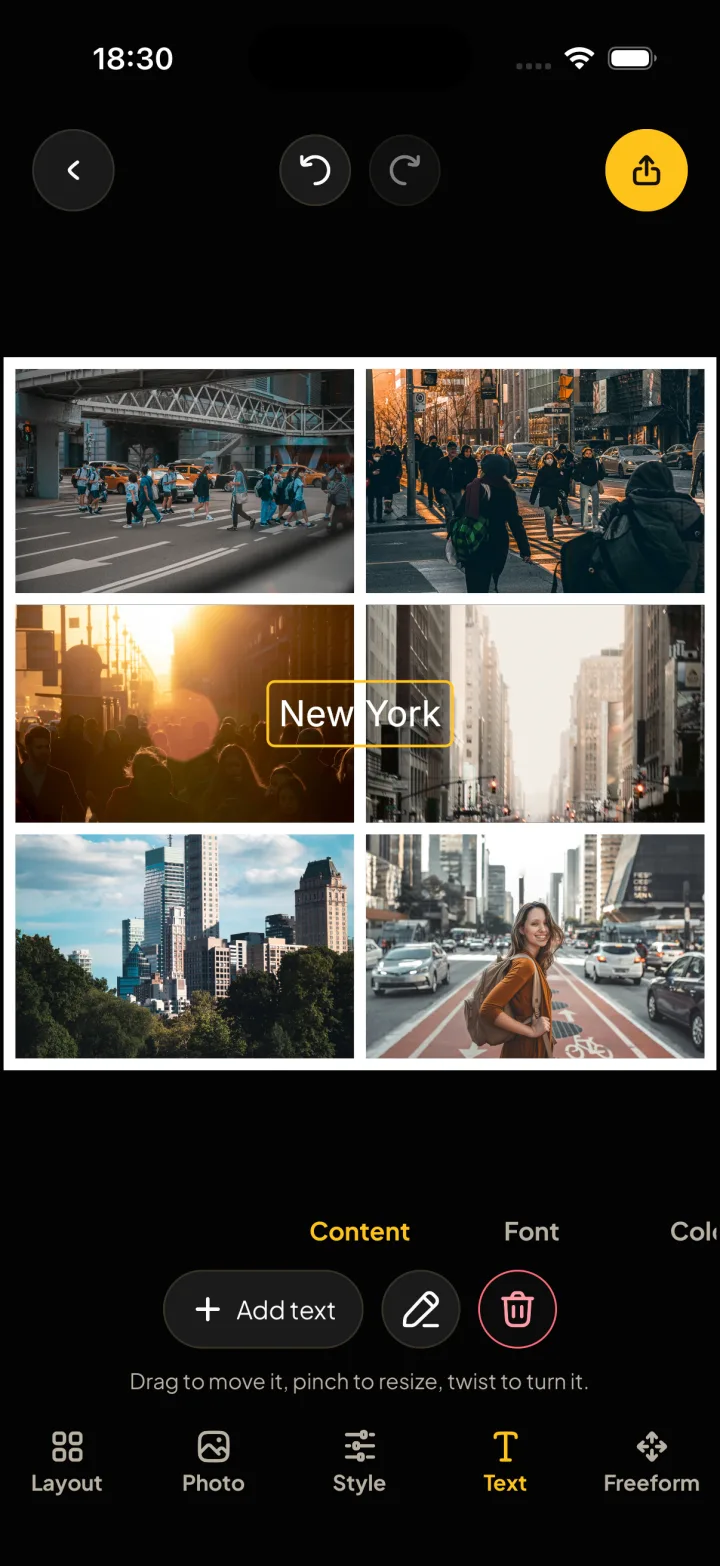
Choose a few photos and Montra builds a collage that fits them. Then slide the gap, round the corners and add a few words.
Free to download. No account, no watermark.
Android is on the way.
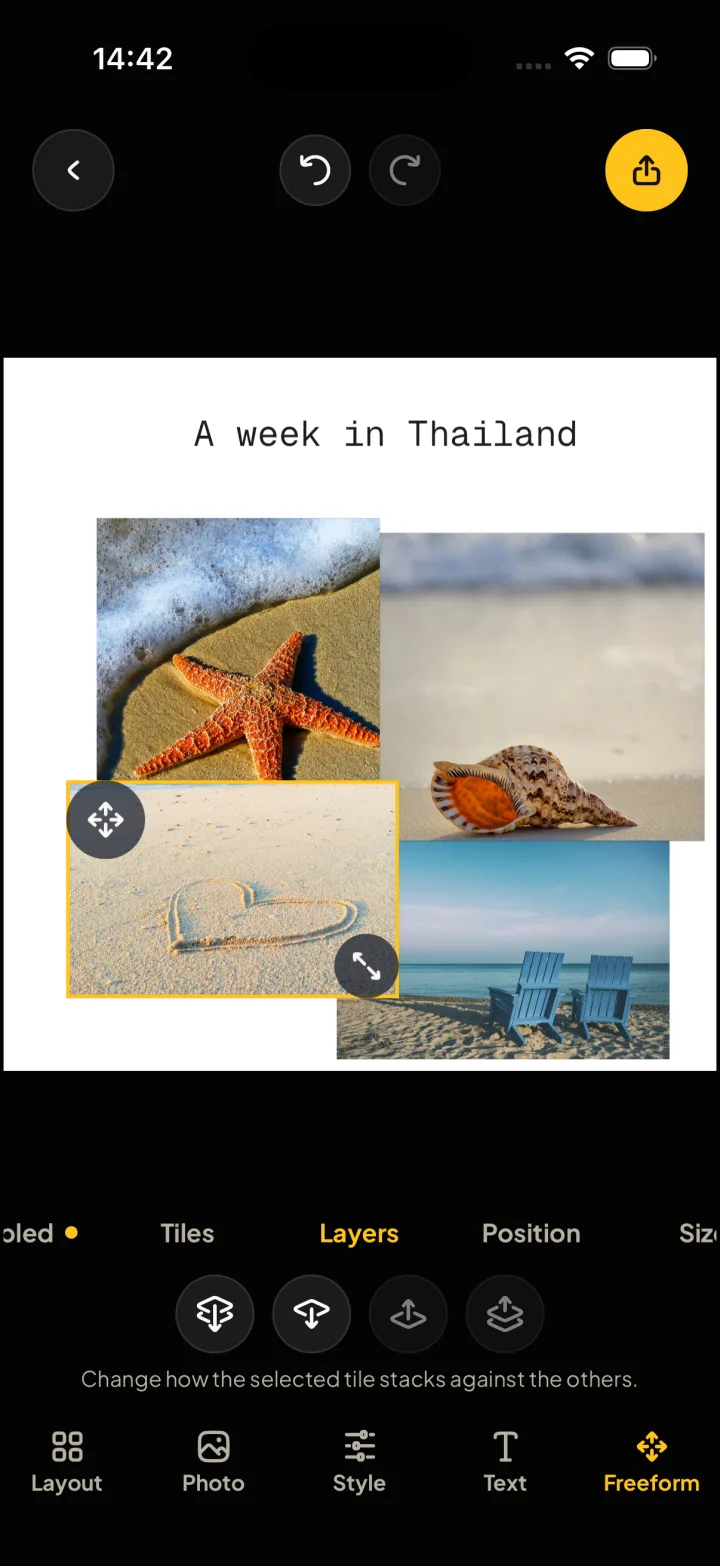
This page is a collage too. Drag to change its gap and its corners.
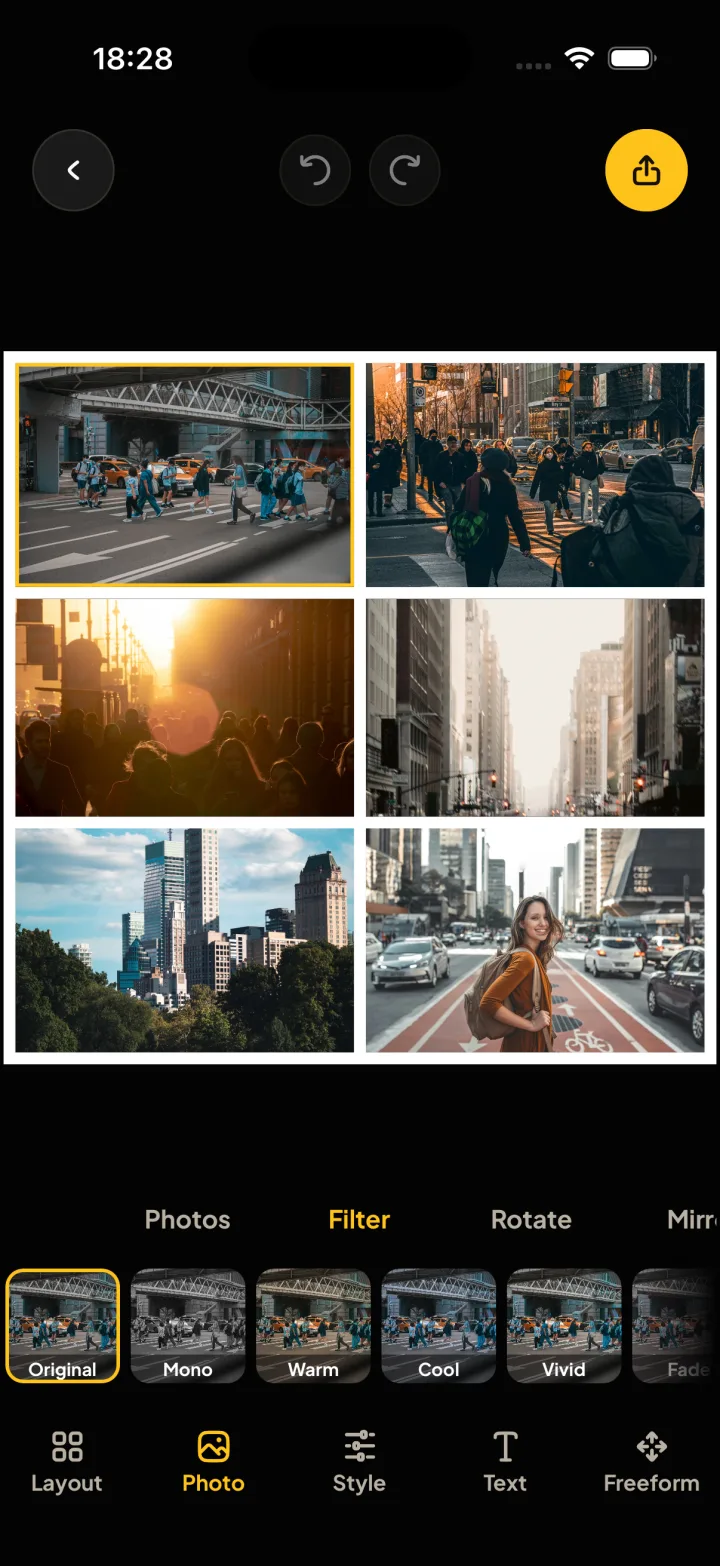
Everything you can change, in five tabs
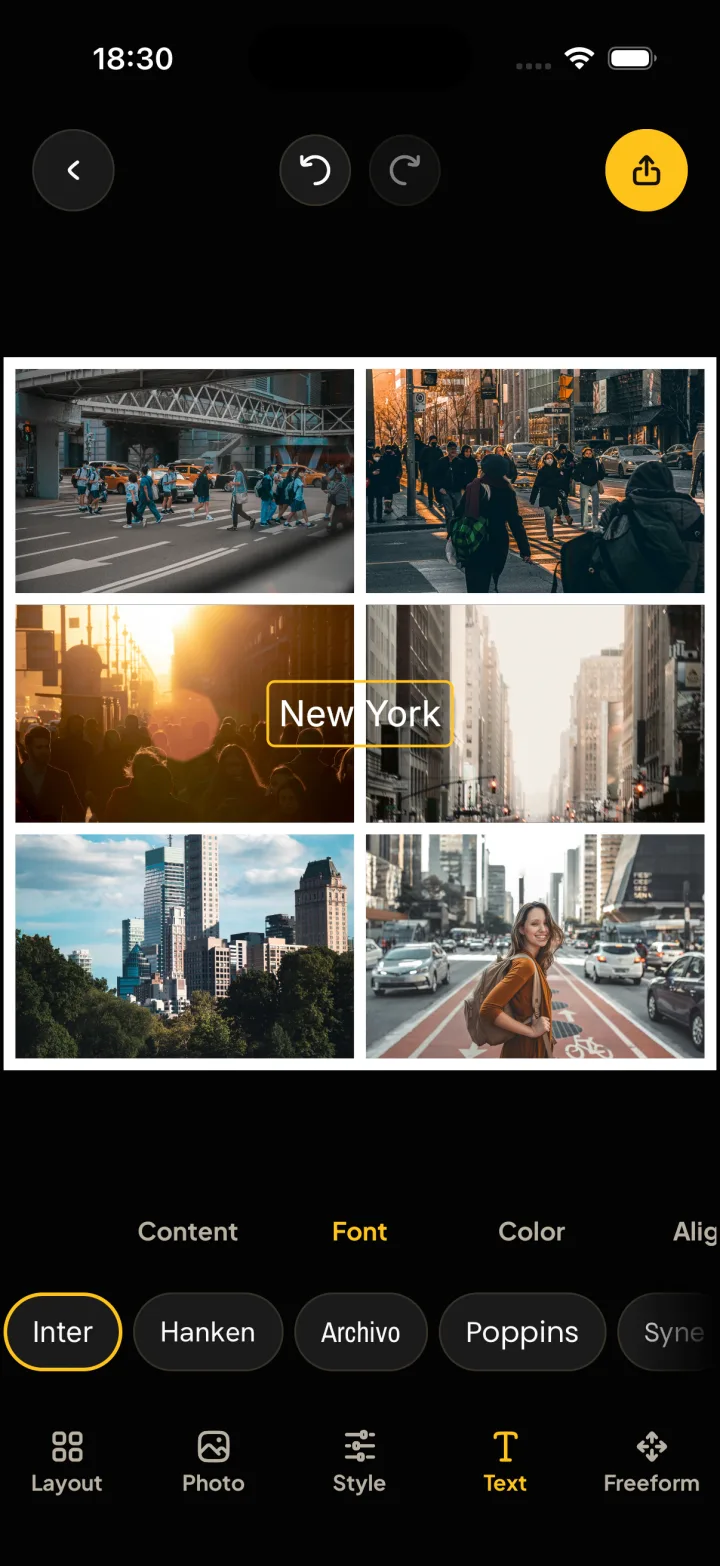
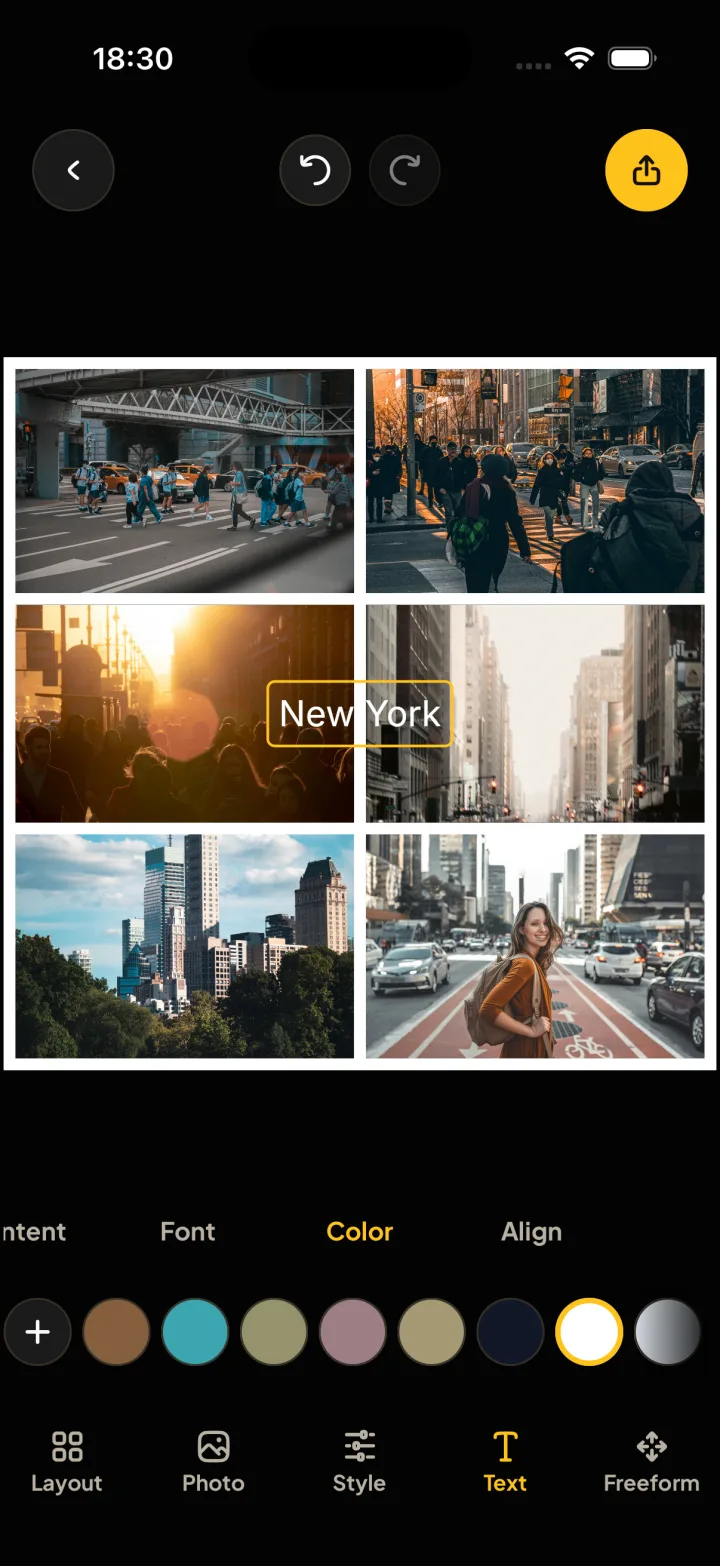
The tabs sit under your collage, so your thumb edits and the collage stays in view. Tap one here to see it.
Start from a layout
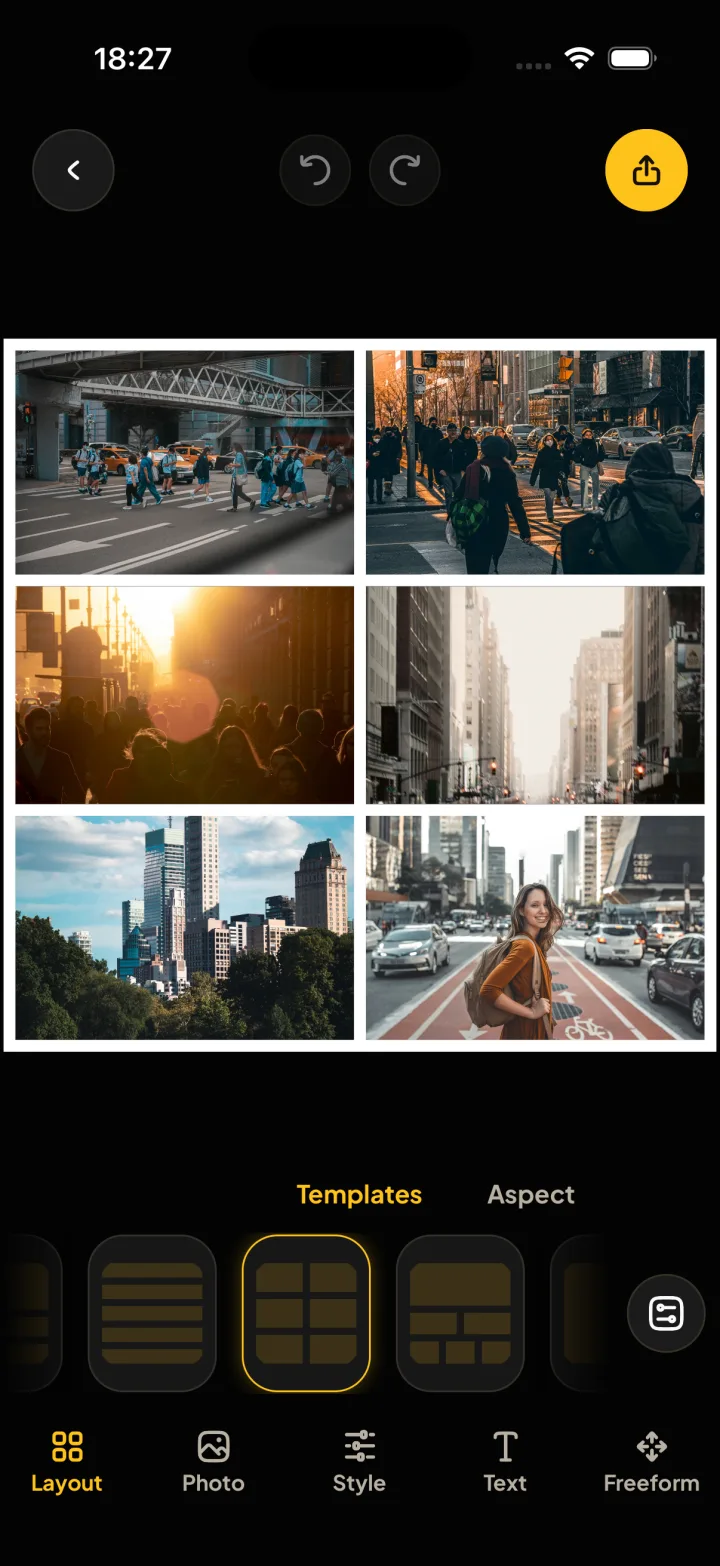
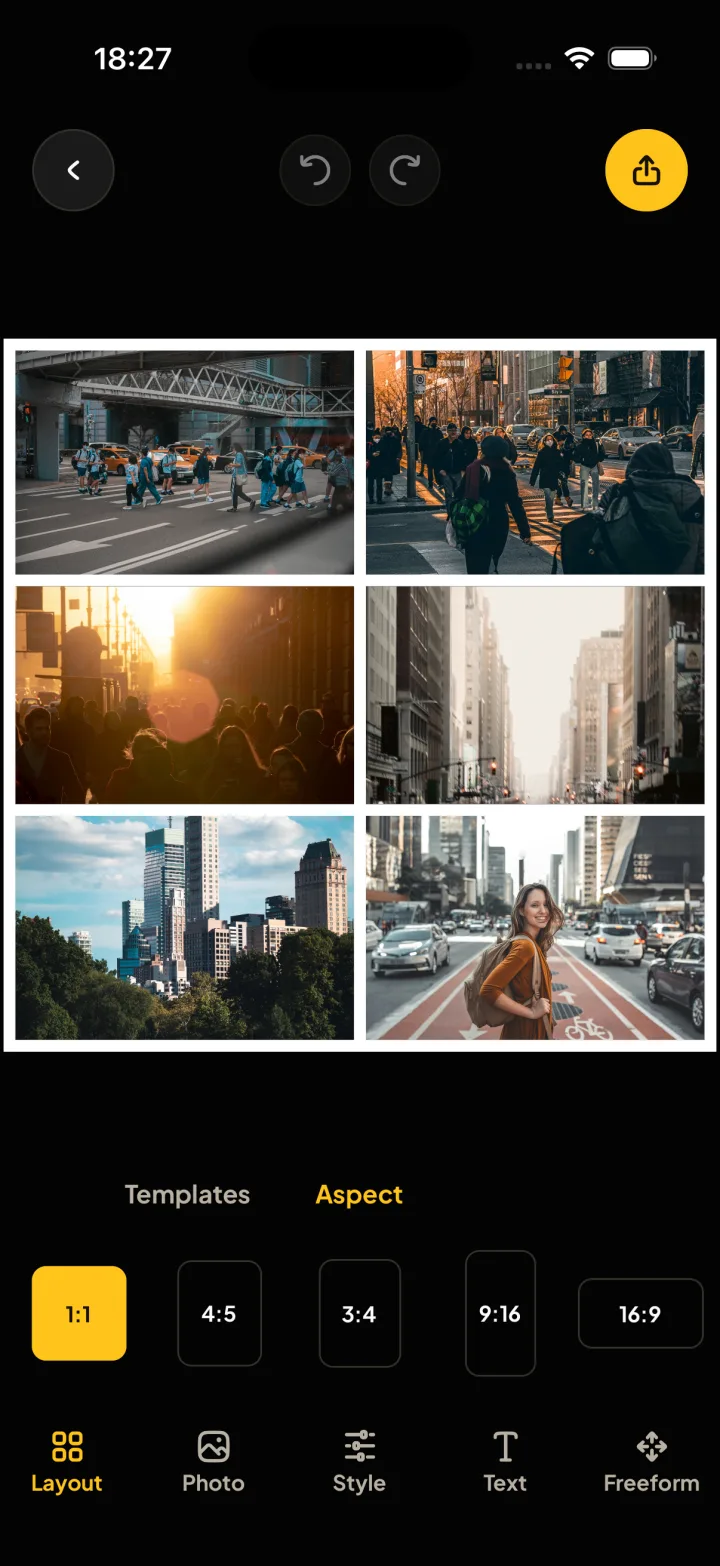
Pick a few photos and Montra chooses a template that fits them. Every template works in every shape: square, 4:5, 3:4, 16:9 and 9:16.
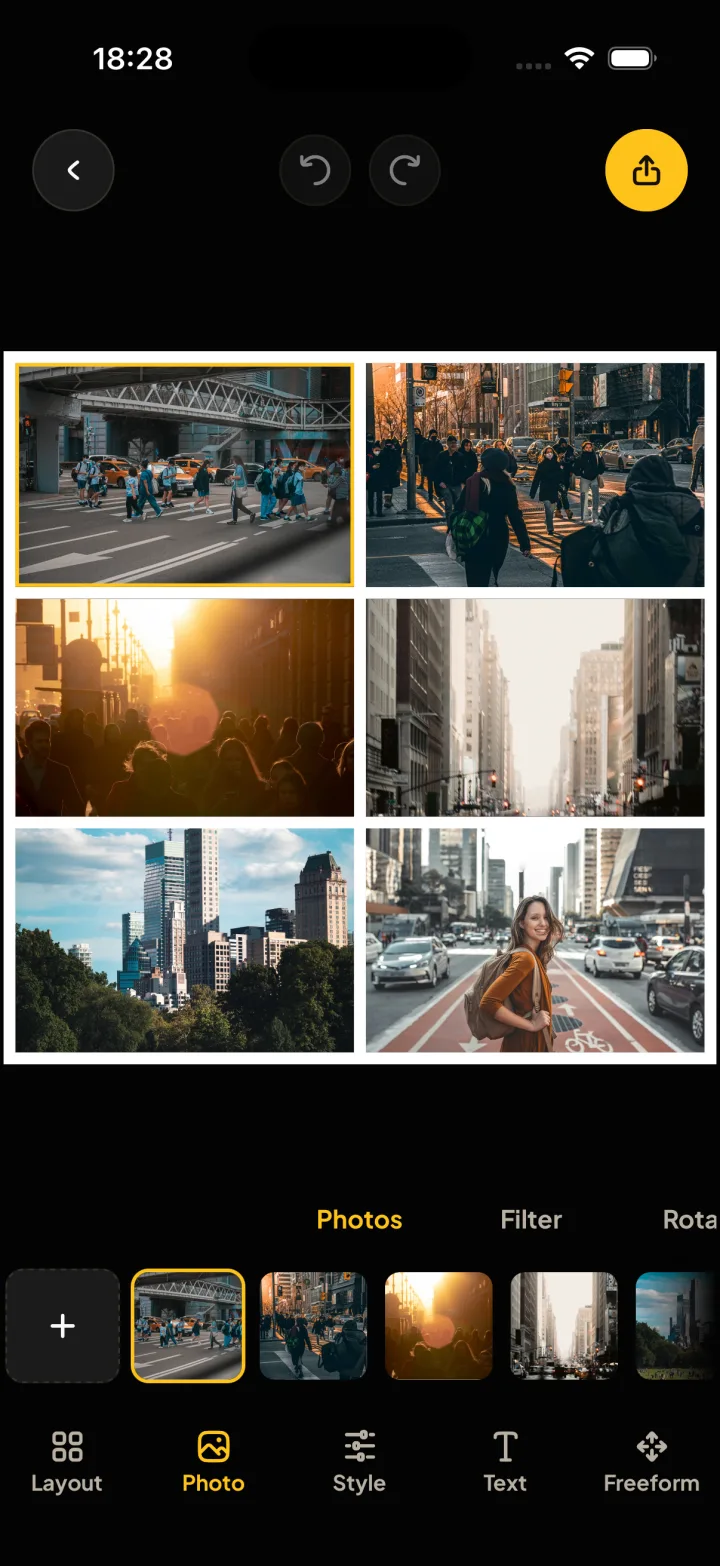
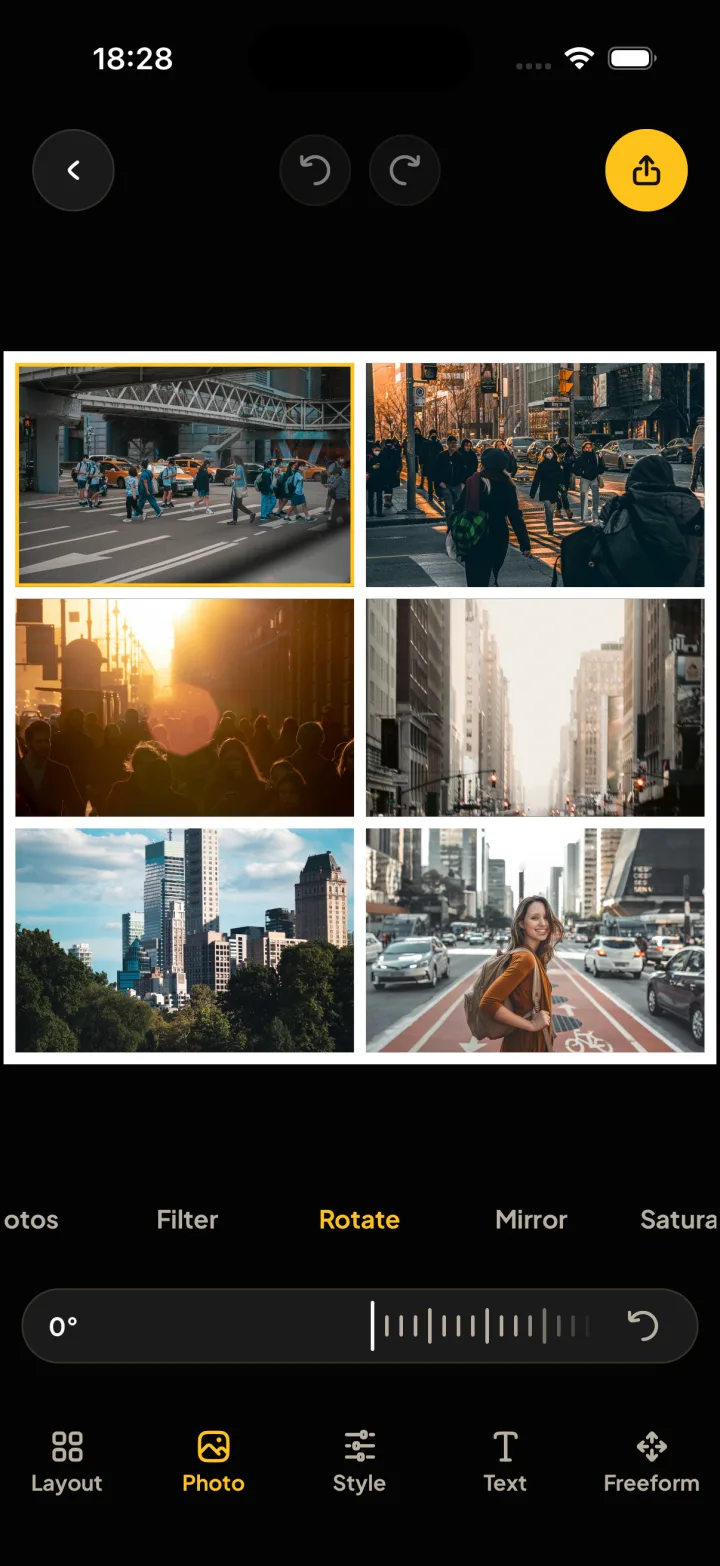
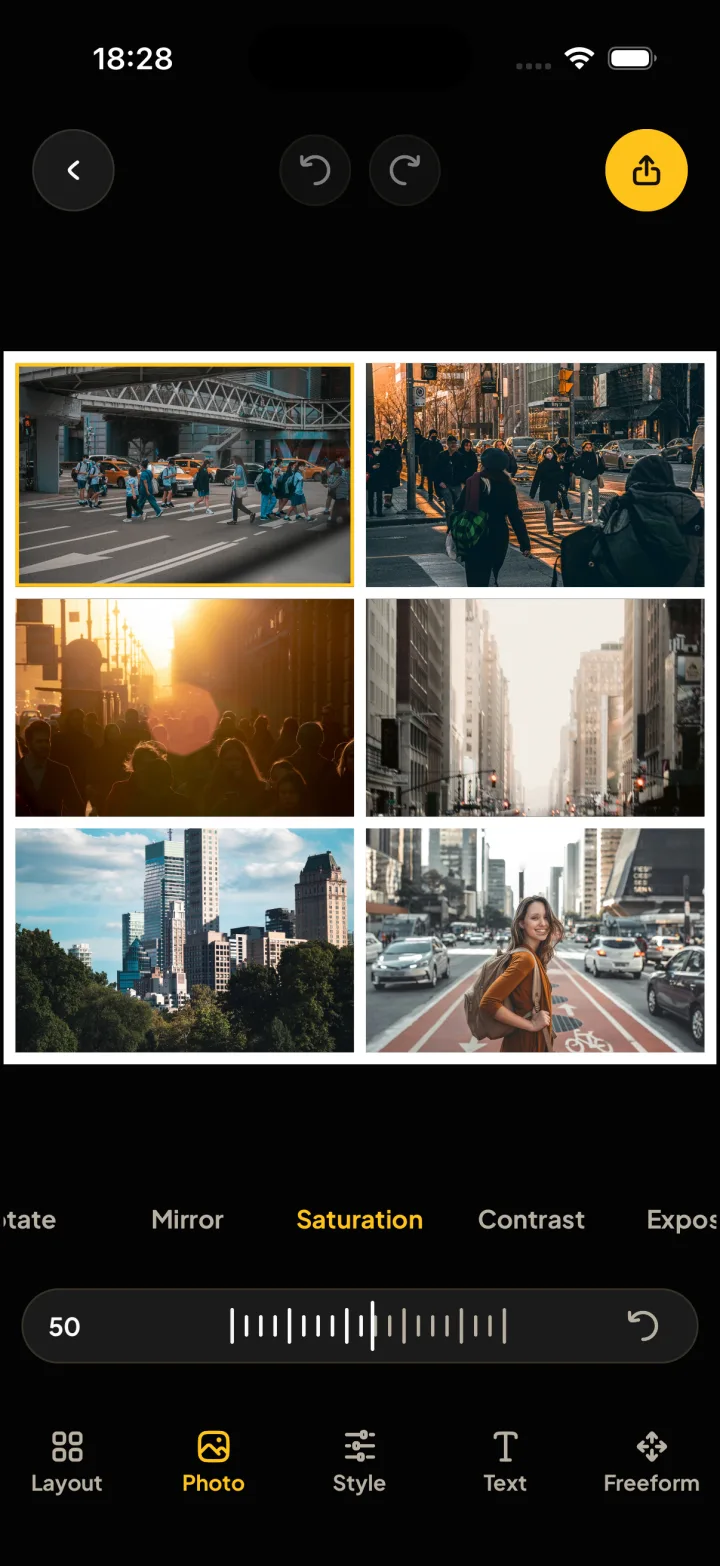
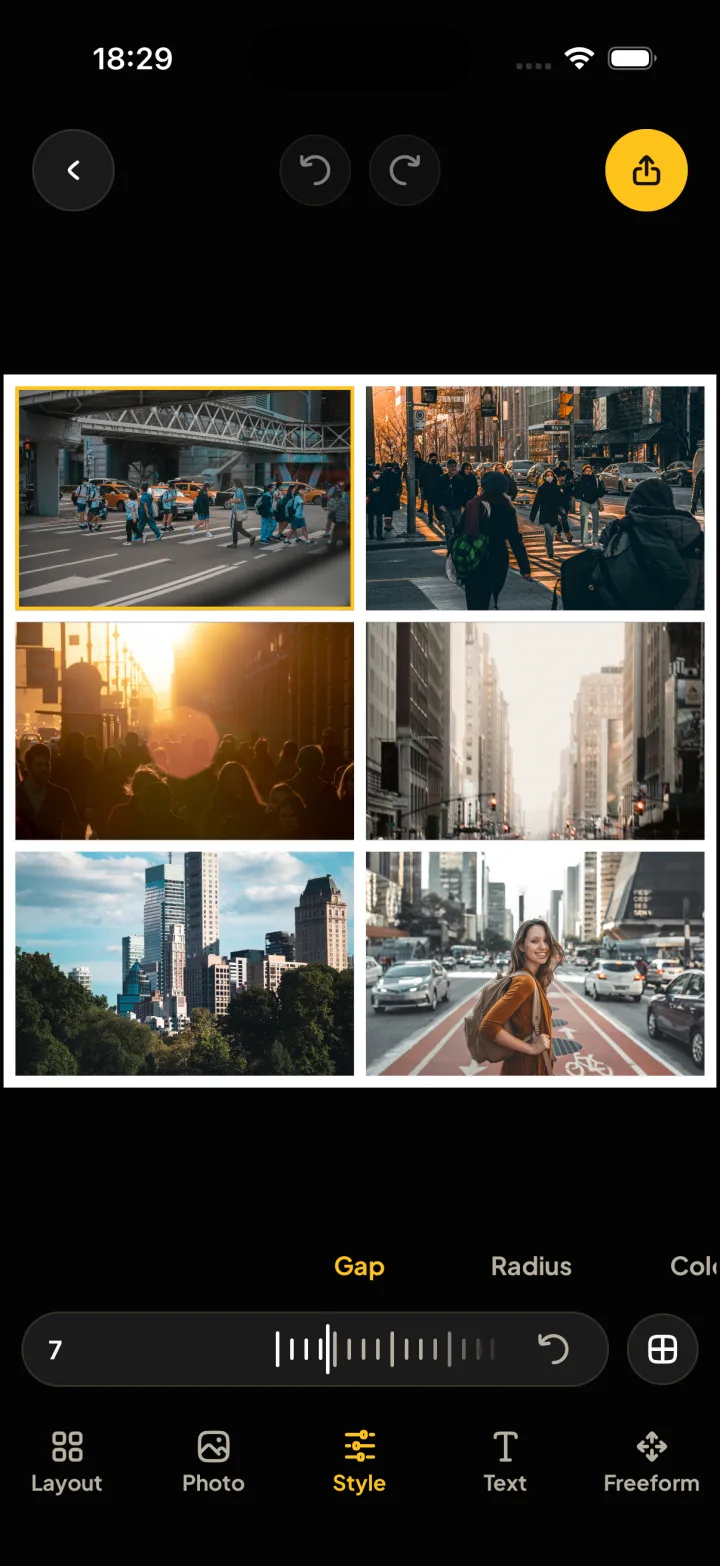
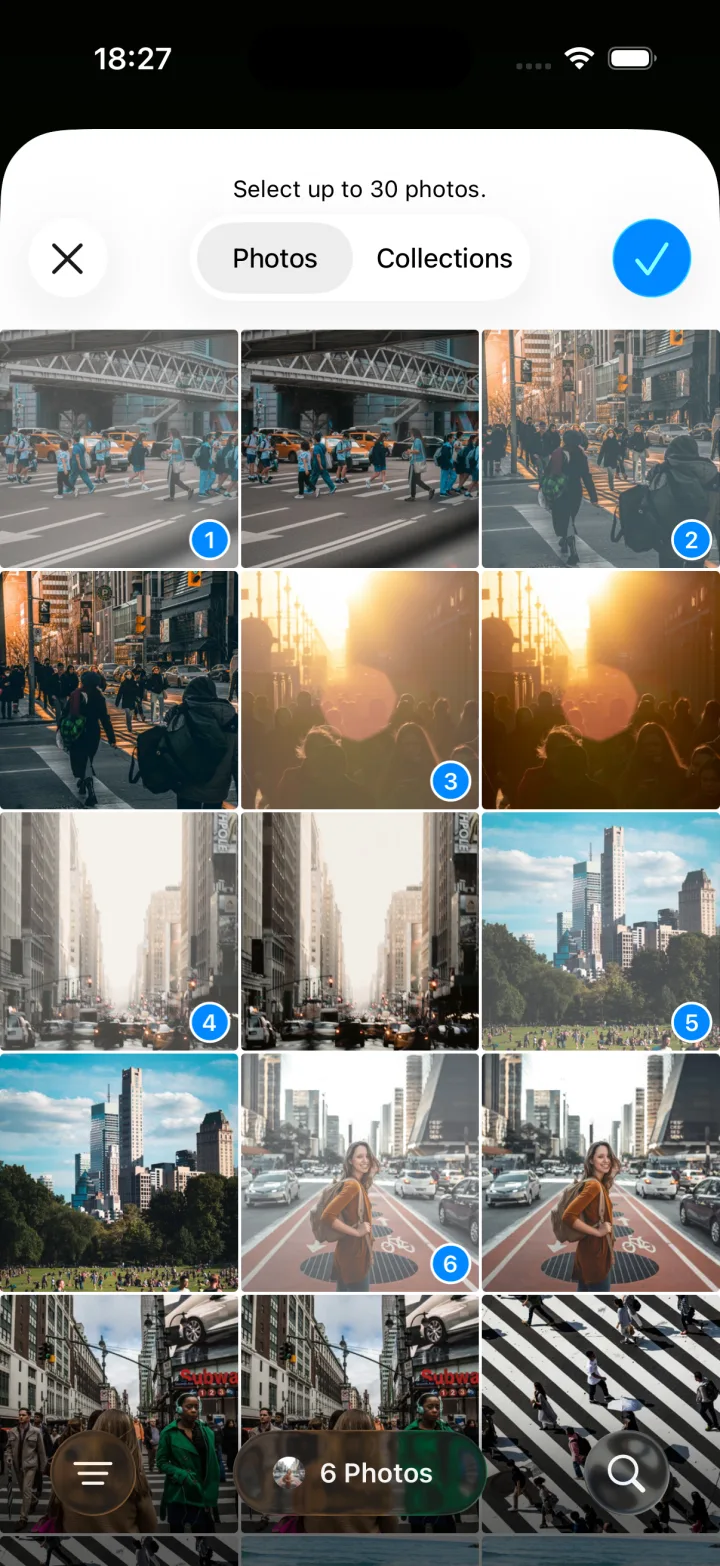
From your camera roll to collage in a minute
Pick your photos
Choose up to 6 photos, or up to 30 with Pro.
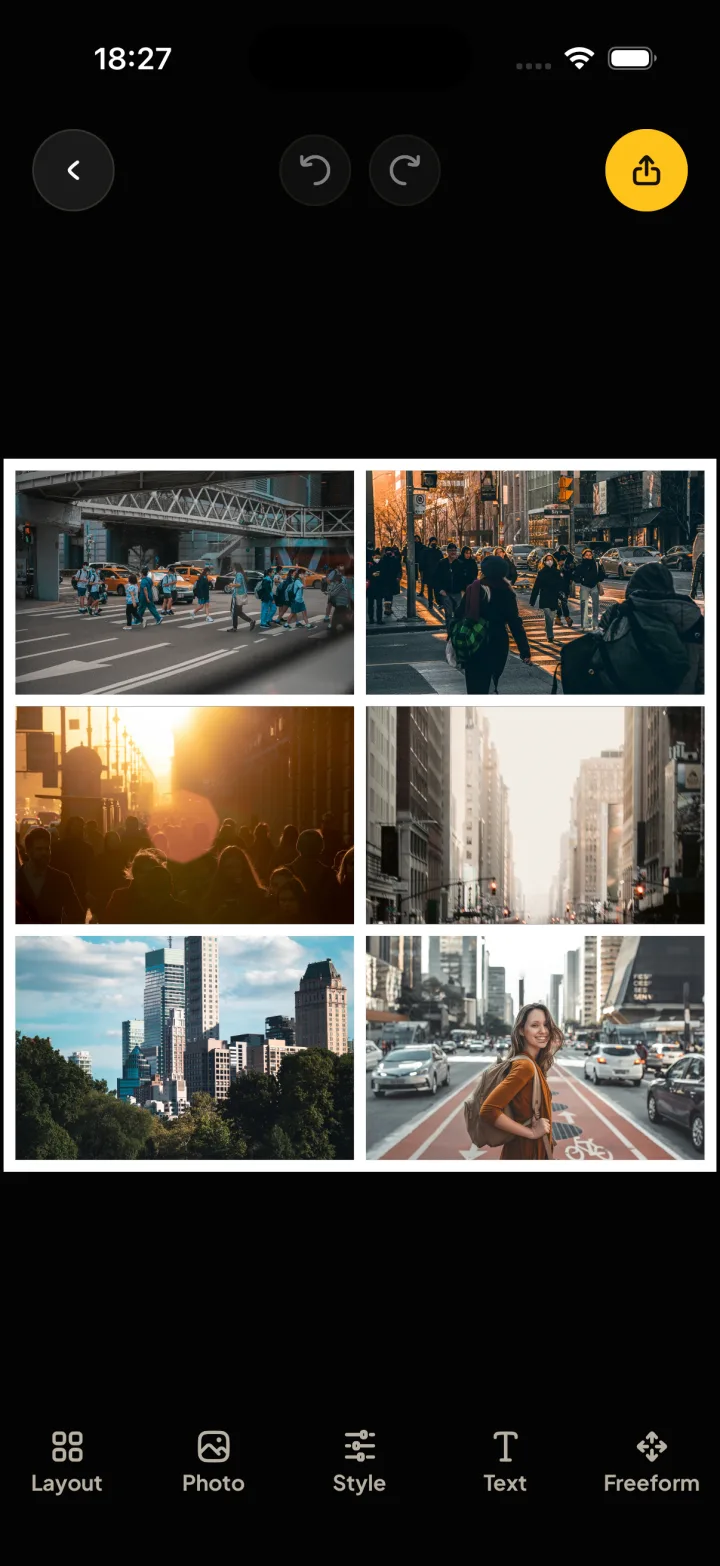
Get a layout
Montra lays them out at once, in a layout that fits them.
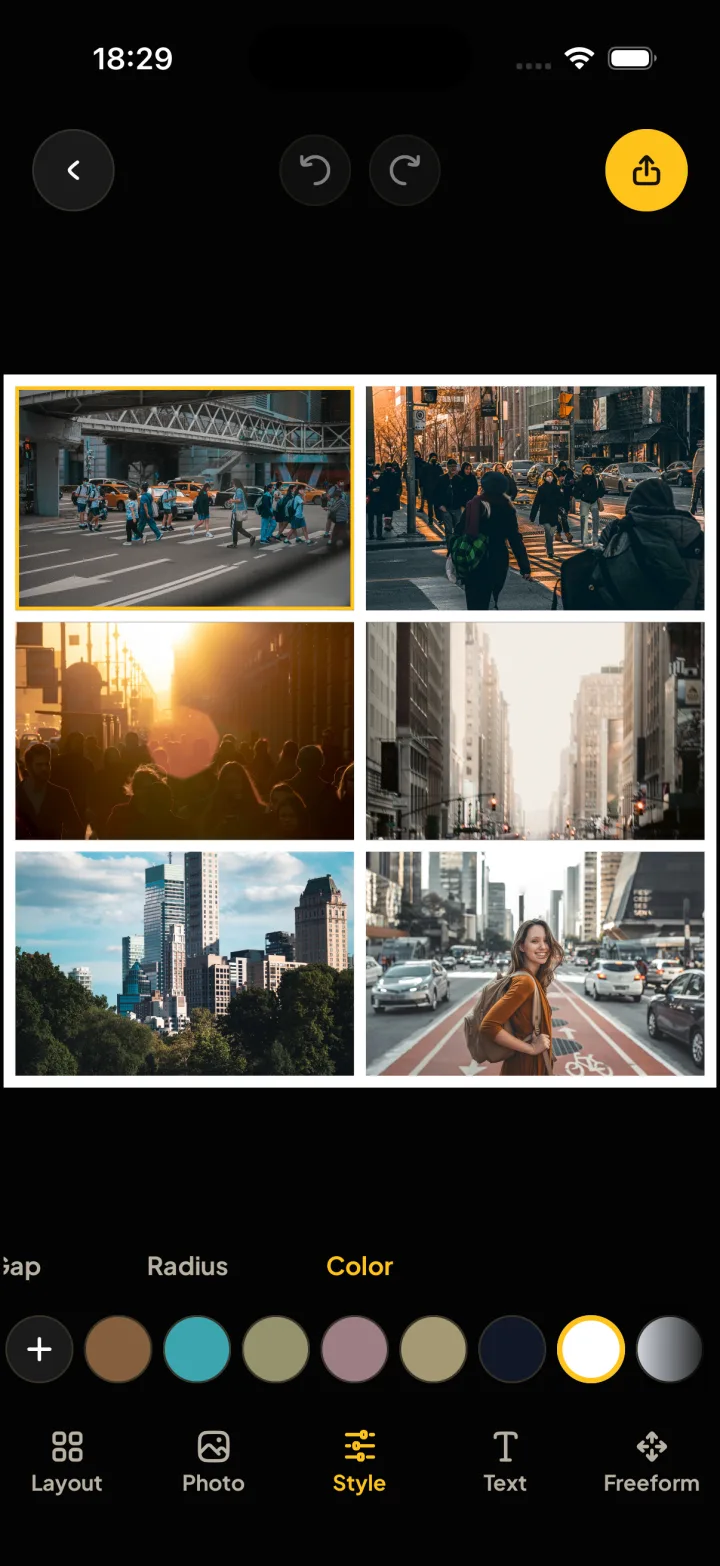
Make it yours
Change the gap, the corners, the colors and the text.
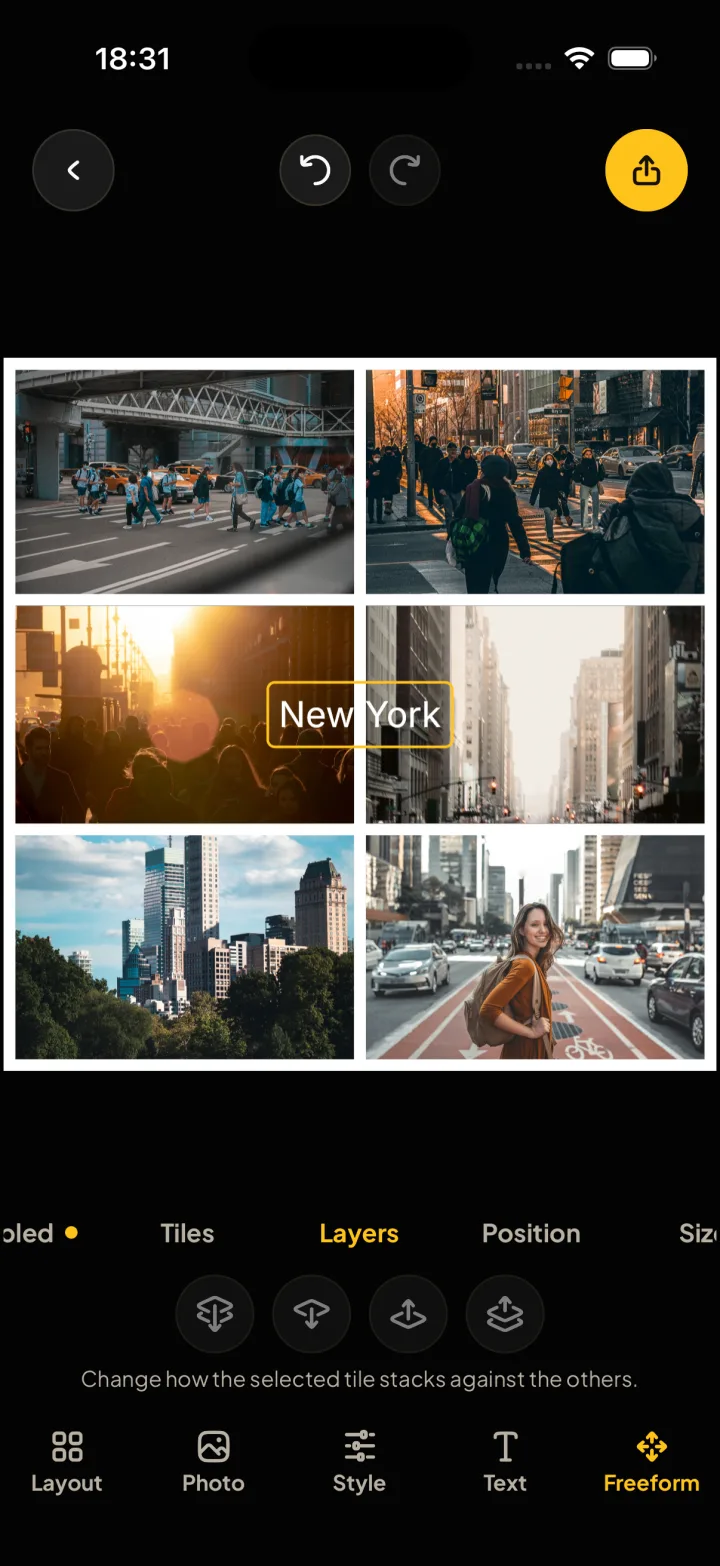
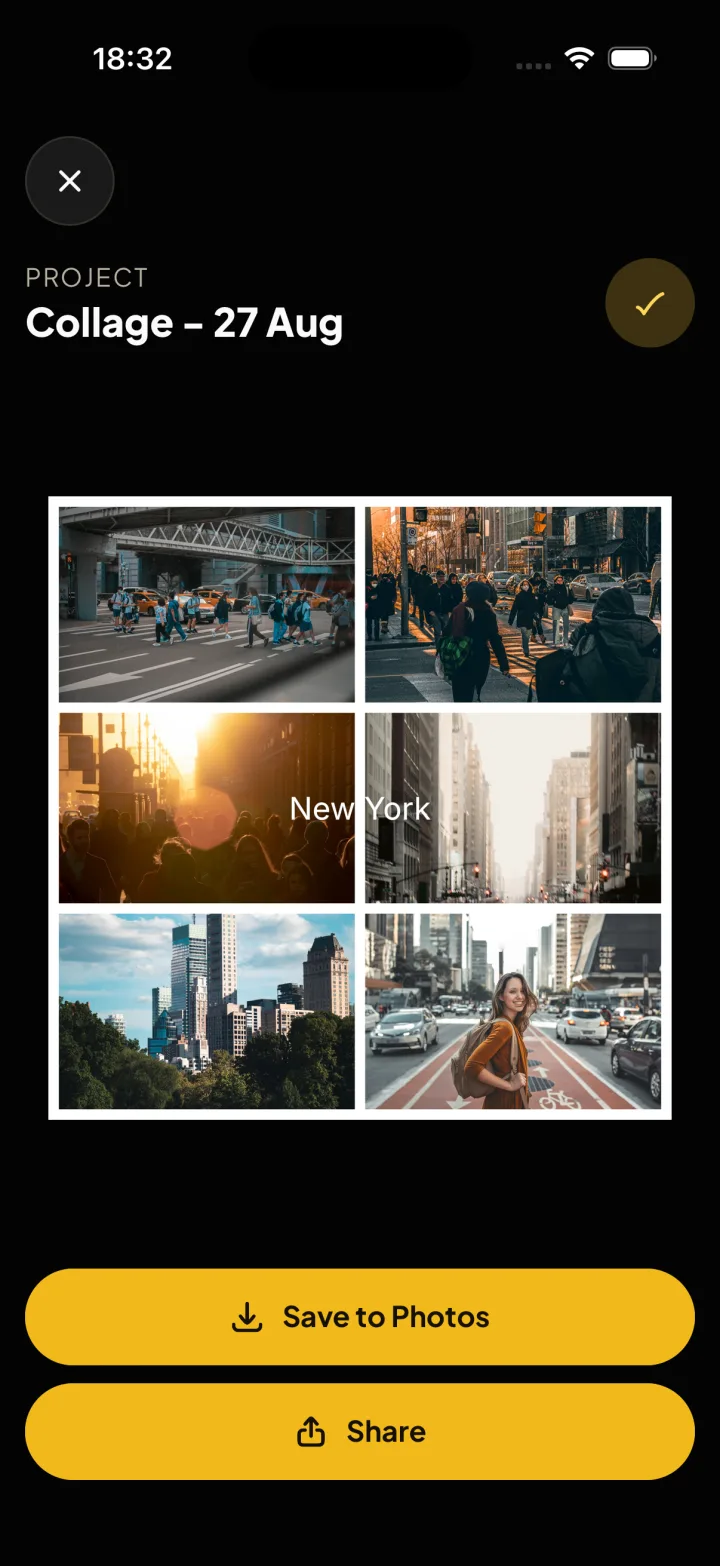
Save or share
Save a full-quality image to Photos, or send it from the share sheet.
Your photos stay on your phone
Montra never uploads your photos. No account, no ads, no watermark.
Montra Pro is one payment
You need Pro for a collage with more than 6 photos or more than one text. Pay once, no subscription. Restore it on any device with the same Apple Account.
| Per collage | Free | Pro |
|---|---|---|
| Photos | Up to 6 | Up to 30 |
| Texts | 1 | As many as you like |
| Templates | Up to 6 frames | All of them |
Before you download
Is Montra free?
Yes. Make collages with up to 6 photos and 1 text for free, with no watermark. Montra Pro is one payment for up to 30 photos and as much text as you like.
Do you upload my photos?
No. Everything happens on your phone, and you do not make an account.
Will my photos lose quality?
No. Montra saves a full-quality image to Photos.
Can I change a collage later?
Yes. Each collage stays in your Project Library until you delete it.
Does it work on iPad?
Yes. Montra runs on iPhone and iPad.
Is there an Android version?
Not yet. It is on the way.
Make your first collage
Free on the App Store. No account, no watermark.